Integration
WhatsApp communication for chess academies
Class reminders, fee messages and selected notices are the WhatsApp automation a chess academy can send. ChessCore sends them over the WhatsApp Business Cloud API once connected. This page says which messages those are, who checks them, what consent a parent has to give, and what happens when a message does not get through.
Product integration scope checked against code on 11 October 2026; this is not a delivery test of your account. For where WhatsApp fits among the other connections, see the integrations overview.
See a reviewed parent update


Illustrative screen from a made-up demo academy.
Four kinds of message
What can be sent over WhatsApp
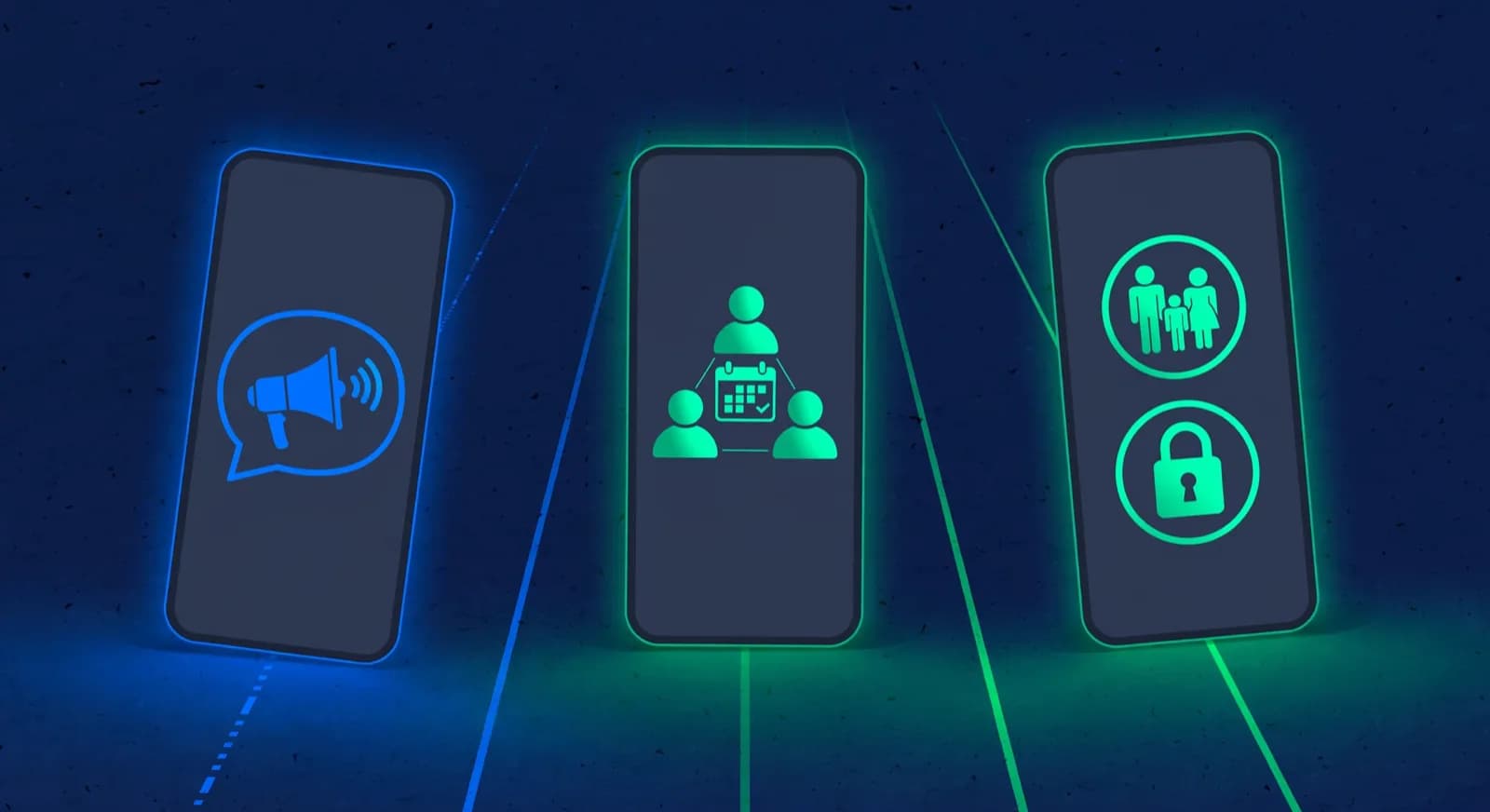
The message types below are what this WhatsApp Business chess software integration can send. Each one needs the parent's opt-in for its purpose, as the consent section below explains.
Class reminders
Automatic template
Sent 24 hours and 2 hours before a class, to families whose chosen channel is WhatsApp. No AI text. Not sent during quiet hours.
Fee messages
Automatic template once set up
A fee message with a payment link when an invoice is issued, a receipt when a payment is recorded, and a renewal notice before a subscription renews. The amount comes from the invoice. No AI text.
Class recaps and trial reminders
Automatic once set up
The academy creates the rule and an approved template. A recap goes out when a class summary is published. A trial reminder goes to a booked trial in the CRM, 24 hours and 2 hours before it.
A personal note to one parent
Draft, then a person sends
The AI drafts it from what you tell it. It stays a draft until a person edits and sends it.
A trial reminder works from the booked trial in the CRM. A family that books through the public form does not get a reminder from that booking alone: staff check that the booked trial exists in the CRM, that the reminder rule is switched on with an approved template, that the family has a usable phone number, and that the guardian has opted in for trial reminders and has not sent STOP. A class recap follows the summary: the coach publishes it, or it publishes on its own once the coach notes behind it pass a completeness check, if the academy turns that on.
Monthly progress reports do not go over WhatsApp. When an academy switches on monthly reports, they go to guardians by email, built from attendance and rating data, with no AI text. How a report is built is on the student progress tracking page, which also covers the monthly reports sent by email. Class times come from the batch schedule, and fee amounts come from billing.
Knight's Gate Chess Academy: Sara's fee has USD 60 remaining. You can pay it here: [payment link]
A made-up example academy, people and invoice, not a customer result. This illustrates a fixed template.
Hello Omar, thank you for the USD 60 on the 9th. The remaining USD 60 is still open. Reply here if you would like to talk about it.
An AI draft waiting for admin Layla to edit and send. It has not gone to anyone.
One reminder, start to finish
Template, consent, quiet hours, reply
Step through a class reminder in a made-up demo academy: what is checked before it is sent, when it is skipped, and where a parent’s reply goes.
The 24-hour class reminder goes out on a fixed, approved template. The time comes from the batch schedule. There is no AI text in it.
For this reminder to go out, the send gate has to pass: a connected Business number, a dated opt-in for class reminders, a usable phone number, and no STOP.
The 2-hour reminder would land inside the academy’s quiet hours, so it is skipped. Class reminders respect quiet hours.
Chloe’s reply threads into the inbox. The AI drafts an answer, and it waits for Noor to edit and send it inside the 24-hour reply window.
Automatic or drafted
Which messages go out, how
Routine reminders go out through chess academy notification automation, on fixed templates. The academy chooses and switches them on once, and after that they are sent automatically, with no click per message. Messages the AI drafts are different: they wait for a person. Rows marked opt-in do nothing until the academy switches them on, and every email row also needs the academy's email sending to be set up.
A parent who replies STOP on WhatsApp is unsubscribed from WhatsApp messages from your academy. The consent section below lists the exact words that count.
| Event | Channel | Text | Who approves |
|---|---|---|---|
| Fee reminders | Email before, on and after the due date; renewal notices on WhatsApp | Fixed template, no AI text | No one per message. Runs once the academy switches it on |
| Class reminders, 24 h and 2 h before | The family’s chosen channel, including WhatsApp | Fixed template, no AI text | No one per message. Skipped without consent and in quiet hours |
| Monthly progress reports | Email only | Built from attendance and rating data, no AI text | No one per message. Opt-in: the academy switches monthly reports on |
| Payment receipts | Email, and WhatsApp where the parent opted in | Fixed template, filled from the payment | No one per message. Sent when a payment succeeds, once set up |
| Absence follow-up | Fixed template, no AI text | No one per message. Opt-in: switched on from the template gallery | |
| Make-up credit about to expire | Fixed template, no AI text | No one per message. Opt-in: switched on from the template gallery | |
| Trial no-show recovery | Fixed template, no AI text | No one per message. Opt-in: switched on from the template gallery | |
| A personal note the AI drafts | Whichever channel the person sending it uses | AI draft, edited by a person | A person sends it. Through the copilot, a second person approves |
Two paths
Who reviews messages
There are two paths, and they are reviewed differently. A fixed template is reviewed once, when the academy chooses it and switches it on, and WhatsApp approves the template text. After that it is filled from your records and sent on its schedule. Nobody reads each one before it goes.
A person reads the draft before AI parent communication for a chess academy goes out. They change it if needed and send it. If the draft is created through the AI copilot, sending it to a parent is a high-stakes action, and a second person has to approve it. The AI assistant page shows what the assistant can and cannot do.
Treat a personal note about a sensitive matter, such as a complaint, a fee dispute or a concern about a coach, as a conversation for a person, not a template. The guide to responding to a sensitive parent complaint gives staff response scripts. For group rules and how often to message, read group rules and message cadence.
Illustrative screen from a made-up demo academy.
Opt-in per purpose
Recipient and consent requirements
On the academy side. You need a WhatsApp Business number connected to ChessCore through Meta's WhatsApp Business Cloud API. Until one is connected, ChessCore does not send WhatsApp messages. Check the provider's terms when setting up your account. ChessCore blocks a free-form inbox reply outside the 24-hour reply window unless a template is supplied.
On the parent side. A guardian has to opt in for each purpose: fee reminders, receipts, class recaps, renewal reminders, class reminders, trial reports and trial reminders. Each opt-in is stored as a dated record. When a family books a trial through the booking form, the WhatsApp opt-in is a separate choice and covers only the purposes the form wording names. With no opt-in, or no usable phone number, the message is blocked.
STOP. If a parent sends STOP, UNSUBSCRIBE, CANCEL, OPTOUT or OPT OUT as the whole message, ChessCore records an opt-out and suppresses WhatsApp to that number. Suppression beats any later consent, including free-form replies from the inbox. Class reminders also respect quiet hours. For how child and guardian data is handled, see security and the privacy notice.
Delivery
Delivery and failure handling
ChessCore hands each message to Meta and stores the message ID Meta returns. If Meta rejects it, for example because a template name does not match, ChessCore records the error and tries again with a growing delay, up to five attempts. After that the message is marked failed. It is not retried forever.
If the outcome is unknown, such as a request that timed out, ChessCore does not send the message again by itself, because a repeat would reach the parent twice. A free-form reply after the 24-hour window has closed also fails unless a template is supplied. And a message blocked for consent or a STOP is not delivered at all.
As an example: if Sara's parent had sent STOP last month, the fee message in Example 1 would be blocked before it reached WhatsApp. The academy would need another way to contact the family, such as email. ChessCore does not claim that a delivered message was read.
See a reviewed parent updateIllustrative screen from a made-up demo academy.
Messages to families
See the review queue and the consent records in a walkthrough, or read how every connection fits together.
Frequently asked questions
- Does the AI send WhatsApp messages to parents?
- Personal AI message drafts need a person to review and send them. Class and fee reminders are fixed templates with no AI text, sent on an enabled schedule. Class recaps follow publication of the summary: coach-published by default, or auto-published once the coach notes behind them pass a completeness check, if the academy turns that on.
- Are progress reports sent over WhatsApp?
- No. Monthly progress reports, when the academy switches them on, are emailed to guardians as a fixed report built from attendance and rating data. WhatsApp is not used for them.
- What happens if a parent replies STOP?
- ChessCore records the opt-out and blocks every later WhatsApp message to that number from the academy, including free-form replies. A later opt-in does not undo it.
- Do parents need a separate app?
- No. They need WhatsApp, which most already use. The academy needs a WhatsApp Business connection, which is covered in the requirements section above.
Written by Abhishek Tiwari. See our editorial standards.