
On this page6 sections, 14 min read
Bottom line
Wise.live offers scheduling, session credits, course templates and WhatsApp or email reminders for chess schools. Its pricing page lists assignments and parent chat. It can suit an academy seeking those administrative tools. Before choosing it for game review, ask for a demonstration of a chess board, PGN import, engine analysis and rating history.
TL;DR
- Start with a fit test: use Wise when the job is tutor scheduling and billing; confirm chess-analysis needs in a vendor demo.
- On 16 October 2026, Wise's chess-school and pricing pages describe class administration, assignments and communication tools.
- The chess-school page documents session credits, calendar booking, course templates, and WhatsApp and email reminders.
- Wise's pricing page lists homework, parent chat and WhatsApp reminders; ask the vendor to demonstrate homework based on a student's chess game.
- Wise's pricing page offers pay-per-session, pay-per-seat and enterprise models, and the seat model covers unlimited students and sessions.
Key facts
- On 16 October 2026, Wise's chess-school page listed session credits, calendar booking, course templates, quality-control metrics and WhatsApp or email reminders.[7]
- Wise's pricing page, checked on 16 October 2026, offers pay-per-session, pay-per-seat and enterprise models; the seat model covers unlimited students and sessions.[8]
- The same pricing page lists homework and assignments, built-in chat between tutors, students and parents, and reminders across email, WhatsApp and push.[8]
- Wise's chess-school page says an academy can send session reminders over WhatsApp and email and integrate its own WhatsApp Business account.[7]
- Wise.live advertises live class scheduling with Zoom integration as part of its tutor management feature set.[1]
- Wise lists invoicing and branded mobile apps among its tutor-business features.[1]
What this review covers and what it does not
This review is built from Wise.live's own published pages, read on 16 October 2026, not from hands-on testing, so it reports what the vendor documents and tells you what to confirm in a demo rather than claiming the product works well in daily use. ChessCore publishes this blog and sells chess academy management software, so we have a competing product and say so plainly. Consider Wise.live if your academy needs scheduling, session credits, assignments and parent communication [7][8]. For how a chess lesson actually runs, put the tasks your coaches perform each week on the demo agenda before deciding.
Start with the question that decides the Wise.live model for a chess school: how do you buy and spend session credits? Its chess-school page says subscriptions run on session credits that are deducted for completed sessions, with renewal reminders when credits run out [7]. Before committing, ask how a credit is counted for a one-to-one versus a group class, when exactly a credit is deducted, what a parent sees in their balance, and how staff correct a credit if a class is cancelled or rescheduled. The vendor's documentation describes the mechanism; the demo should show the day-to-day handling. A platform can suit the administrative side of your academy even if you keep separate tools for analysis.
Wise's dedicated chess-school page describes one-to-one and group classes, session credits, course templates, calendar booking and WhatsApp or email reminders [7]. Those features address the work around a lesson. Your next question is how the lesson itself runs: ask the vendor to demonstrate whether a coach can move pieces on a shared board, show a student's game and return an annotated position as homework, since those capabilities are not established from the published pages. Put those requests on the demo agenda alongside scheduling and billing.
What is Wise.live and who is it for?
Wise.live is a general tutor management LMS. Its site describes it as a #1 Tutor Management Software [1], aimed at independent tutors, coaching institutes, and academies across subjects: languages, exam prep, music, fitness, and chess among them. The product is built around the shape every tutoring business shares, a calendar of live classes, a roster of students, money in and out, and a channel to parents, rather than around any one subject's pedagogy. That is a deliberate and reasonable design choice; it is just one a chess academy owner has to read correctly.
If you teach chess alongside maths or spoken English, managing the subjects through one calendar and billing system may simplify your week. Test whether staff can keep each subject's classes and students organised without duplicating records. For a dedicated chess academy, give game review more weight in the comparison. A coach needs to move through positions, explain alternatives and leave the student with a clear practice task. Ask the vendor to show that lesson from beginning to end before deciding how much a general tutoring platform can cover.
You can also compare Wise.live with general tutor and coaching platforms such as Classplus [2] and Teachmint [3]. Build one short list of the jobs you need across subjects, then use it for each demonstration. Include a schedule change, a fee question and a parent message rather than looking only at a clean sample dashboard. For chess, add a student's game and a homework task. This gives you a useful basis for choosing among general tools before considering how much specialised software you still need.
What academy operations does Wise.live cover?
On the operations layer, Wise.live advertises a solid set of features. Its site lists live class scheduling with Zoom, invoicing for fees, branded mobile apps so the academy appears under its own name, AI-generated reports, and class recordings [1]. For a founder currently stitching a calendar, a payment link, a chat group, and a video tool together by hand, consolidating those into one platform is a real operational win, and it is the part of Wise.live a chess academy would genuinely use.
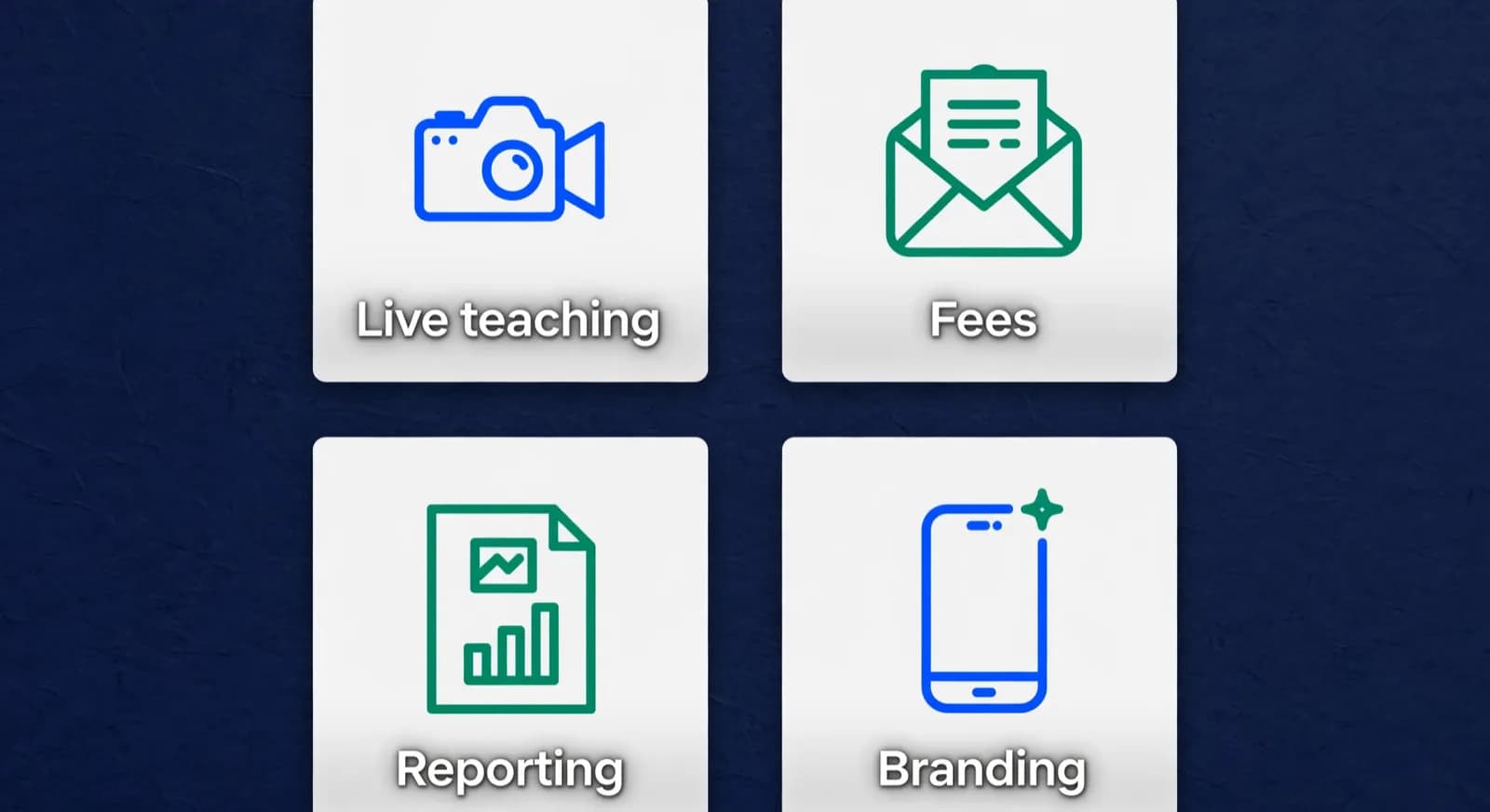
| Job | Wise.live advertises | What to verify in a trial |
|---|---|---|
| Live teaching | Scheduling with Zoom [1] | Whether a generic video room suits how chess coaches teach |
| Fees | Invoicing [1] | Whether recurring collection fits Indian payment habits and UPI AutoPay |
| Branding | Branded mobile apps [1] | What the app shows students between classes for chess specifically |
| Reporting | AI reports [1] | Whether reports can speak to chess progress, not just attendance and hours |
| Homework | Assignments and learning resources on the pricing page [8] | Whether those assignments can attach a PGN or only files and quizzes |
| Parents | In-platform chat plus WhatsApp and email reminders [7][8] | Whether chess progress, not only session links, travels in that chat |
Use the questions in the right-hand column as a demonstration checklist. For reports, bring a student's rating history, a recent game and a coach note, then ask how those records enter the report and how you correct a draft. Check whether the parent receives a useful explanation of the chess as well as attendance. Apply the same test to ChessCore: the finished report should identify a specific skill, show the evidence and give the family a next step. A fluent paragraph alone does not tell you whether the underlying records are accurate.
Wise's pricing page lists homework, assignments and learning resources, persistent chat between tutors, students and parents, and reminders through email, WhatsApp and push notifications [8]. Its chess-school page adds session-credit deductions and renewal reminders when credits run out [7]. To test a chess lesson, ask the coach to attach a PGN or board position, let the student submit an answer and return feedback. Check which steps happen inside the platform and which need another tool before moving a batch's homework there.
Walk a session-credit cycle through three everyday cases during the demo, and treat the following as an illustrative example to probe with, not a description of Wise's actual rules, which only its documentation and your demo can confirm. Case one, a completed lesson: a child attends a Thursday class, so one credit should be deducted. Ask exactly when the deduction posts and what the parent sees in their balance afterwards. Case two, a cancellation: the family cancels the morning of class. Ask whether the credit is held, returned or spent, who decides, and whether the rule differs by notice period. Case three, a make-up: the coach reschedules a missed class to the next week. Ask how staff reopen or move the credit, whether the parent is notified, and how a credit added in error is corrected. Do not accept a verbal yes; ask to see each case performed in the demo account.
- When does a credit change, and does the timing differ for one-to-one versus group classes? (illustrative question, confirm in the demo)
- What does the parent see in their balance after a deduction, a cancellation and a make-up?
- How does a staff member correct a credit added or removed by mistake, and is that action logged?
- What happens to unused credits at renewal, and are cancellation or refund terms written down anywhere you can read before signing?
Which chess teaching tasks should you test in Wise?
Test a shared board, PGN import, engine analysis and rating history before choosing Wise for chess teaching. Its chess-school page describes session credits, course templates, booking and reminders [7], while its pricing page lists assignments and communication tools [8]. Ask the vendor to show a recent student game inside a class, then demonstrate how it becomes homework and a parent update. This will tell you which chess tasks fit your setup and where another tool may still be useful.

Walk through one ordinary game review during the demonstration. Booking the session and sending reminders are among the jobs Wise advertises [7][8]. Bring a PGN [4], ask how the coach analyses it and check where the student's rating history sits. If your chosen setup involves a separate Stockfish tool [5] and a sheet for Elo-style ratings [6], count the time needed to move between them. Ask whether notes and positions carry into the next lesson or need to be copied again. That is a cost you can measure during a trial.
Include any external board, analysis tool and rating records when comparing costs. One point of discipline on the subscription itself: a roster size such as 60 students does not fix a Wise.live price, because its pricing page bills either per session conducted or per tutor and admin seat, not per student [8]. The per-seat model, in fact, states unlimited students and sessions [8], so you cannot price it until you know your session volume or your tutor and admin headcount. Ask for a written quote that names the billing unit, the rate, the currency and the billing period, and keep those units separate when you compare. Here is an illustrative calculation for the workload, not the price: if transferring and preparing each student's game takes fifteen minutes, thirty students require 450 minutes, or seven and a half hours, per week before the review itself. Measure the equivalent task in your own trial, since a different import routine may take much less time. Add the subscription fees for the tools you need, then compare both the bill and the weekly workload with an alternative setup.
Choose around the jobs your academy needs rather than the category name on the product page. A multi-subject tutor may be happy to keep chess analysis in a separate tool, while a dedicated chess coach may want it beside the class records. List your classroom, game review, rating, homework, reporting and billing tasks, then ask the vendor to show each one. Record the extra steps so your comparison includes the work as well as the subscription.
- Documented on the chess-school page: session credits, booking, course templates, WhatsApp and email reminders [7].
- Documented on the pricing page: assignments, parent chat, WhatsApp reminders, attendance, recordings [8].
- Demonstrate before choosing: shared chess board, PGN import, engine review and student rating history.
- Generic assignments are not the same as homework generated from a student's own games.

Lucas M.
Batch B2 · Thursdays · joined Aug 2025
1342
Academy rating · Lichess games synced
Won vs. 1410 · French Defense
Best gameMissed fork on move 23
Homework setWhat do users report about ease of use and support?
The one review profile we read is thin. On 2 October 2026 the Trustpilot profile for www.wise.live showed a single review, a brief five-star note dated 31 August 2022 [9], which says nothing useful about setup, daily use or support. Ask Wise for current reference customers and run a trial with your own staff. Test a schedule change, a billing question and a request for help, then record how clearly the team responds and whether the answer resolves the problem.
Wise's chess-school page carries testimonials from tutoring businesses, including Explore Apollo Tuition, BeGifted Tutoring and Paper.co [7]. These are vendor-selected accounts, so use them to source a reference call rather than as evidence by themselves, and do not treat any headline figure in a case study as your expected result. Ask Wise for a current customer with a timetable and staffing pattern like yours, then run the reference call as a process across three stages that decide daily life on the platform.
- Setup: how long did it take to go live, what data did Wise migrate for them, and what still needed manual entry a month in?
- An urgent class interruption: when a class failed to start or a credit was wrong mid-session, how did they reach support, and how long until it was resolved?
- Data retrieval: can they export students, attendance, invoices and chat history on demand, in what format, and did they have to ask support to do it?
Wise.live vs ChessCore: how should you choose?
Disclosure: ChessCore is our product, so weigh this against the vendor's own pages. The choice comes down to how much of your business is chess and where you want the chess work to live. Wise.live is a general tutor LMS with a dedicated chess-school page [7], strong on scheduling, credits and billing across subjects; ChessCore is built only for chess academies, bringing game review, rating tracking, game-based homework and parent reporting into one system, with coaches approving AI-drafted updates before they send and parents reached over WhatsApp. If you teach several subjects, a shared timetable may outweigh chess depth; if you teach only chess, put a game review and a progress report at the centre of the trial on both. Our Wise.live alternative for chess academies covers the switching view, the chess academy management software pillar explains the dedicated category, and our roundup of the best AI chess training apps covers player-facing practice tools.
Lucas M. vs. Hana K.
Rapid · synced from Lichess · Tue 7:42 PM
14...Qe6? drops the knight
Eval swings +2.1 · the move to review first
Missed fork on move 23
Same pattern as last Tuesday · drill it
Endgame conversion was clean
Won vs. 1410 · French Defense
Frequently asked questions
Is Wise.live a chess-specific platform?
Wise is a general tutor management LMS with a dedicated chess-school offering. On 16 October 2026, that page listed session credits, course templates, booking and WhatsApp or email reminders. If you need chess analysis within the same platform, ask for a demonstration of a shared board, PGN import, an engine and student rating history. Test those alongside the class administration before deciding which tools your coaches will use.
Can a chess academy run entirely on Wise.live?
Wise advertises scheduling, session credits, invoicing, assignments, parent chat and reminders. Whether it covers your whole academy depends on the chess tasks you need within that setup. Ask the vendor to demonstrate a class, a game review, a rating update and homework based on the game. If you choose separate analysis tools, include their fees and the copying time in your comparison. Trial the full routine before retiring your existing tools.
What does Wise.live cost?
Wise's pricing page, checked on 16 October 2026, offers three billing models: payment per session conducted, payment per tutor and admin seat, and an enterprise quote for custom deployments. The seat model describes unlimited students and sessions. Ask for a quote using your expected session volume, tutor count and admin seats, with the currency and billing period stated. Confirm what recordings, reminders and setup include before comparing that total with another platform.
Does Wise.live support homework, parent communication and reminders?
Yes. Wise's pricing page lists homework, assignments and learning resources, chat between tutors, students and parents, and reminders through email, WhatsApp and push notifications. Its chess-school page also lists WhatsApp and email session reminders. For game-based homework, ask the vendor to demonstrate attaching a PGN or position, collecting the student's response and returning feedback. That checks the chess workflow as well as the general assignment feature.
Should I pick Wise.live or ChessCore?
It depends on whether chess is one subject among many or your whole business. If you run a multi-subject institute, Wise.live's horizontal LMS can schedule and bill every subject in one place, which is a real advantage. If you run a dedicated chess academy, ChessCore builds the board, game review, rating tracking, and chess-aware reports into the product instead of leaving them to a separate stack. Trial both against your own six jobs, and read our Wise.live alternative page for a chess-specific view of the difference.
What do users report about ease of use and support?
The one review profile we read, Trustpilot on 2 October 2026, held a single review, so rely on references and a trial rather than ratings. Wise's chess-school page carries vendor-selected testimonials from tutoring businesses about billing, reminders and custom work. Ask for a current reference with a timetable like yours, and run a trial with a schedule change, a billing question and a support request.
Sources
- [1]Wise.live, Tutor Management Software · accessed 2026-10-16
- [2]Classplus, coaching and tutor management platform · accessed 2026-07-15
- [3]Teachmint, tutor and coaching management platform · accessed 2026-07-15
- [4]Portable Game Notation, Wikipedia · accessed 2026-07-15
- [5]Stockfish, open source chess engine · accessed 2026-07-15
- [6]Elo rating system, Wikipedia · accessed 2026-07-15
- [7]Wise LMS for chess schools · accessed 2026-10-16
- [8]Wise tutor management software pricing · accessed 2026-10-16
- [9]Trustpilot profile for www.wise.live · accessed 2026-10-02
Written by Abhishek Tiwari
ChessCore
Drafted with AI, fact-checked and approved by a human before publishing, the same guardrail our product applies to every report it sends. Read our editorial standards.
Run the chess jobs in one place
Book a ChessCore walkthrough to test game review, ratings and parent reports against your academy's weekly routine.
- Roster import from the spreadsheets you already keep
- Lichess and Chess.com connections, batches, and fee plans
- First reports in week one, after your approval
- Free plan, no credit card required