
On this page7 sections, 18 min read
- What software does a chess coach actually need?
- Which chess coaching platforms should a coach compare?
- Spreadsheets, generic class apps, or chess-native software?
- What makes software chess-specific?
- What criteria should you use to choose?
- How does ChessCore fit for coaches and small academies?
- What does coaching software cost, and how do you decide?
- Frequently asked questions
Bottom line
Choose chess coaching software for the work you most need to connect. If you only review games, a free Lichess study does that while you run bookings and fees in a separate tool. Chess-native software earns its place when you want game review, rating sync and admin in one record. Chess-native options include ChessCore, which we build, alongside ChessPlay, Chess.Run, Chessido and Chessdesk.
TL;DR
- Chess coaching software has to cover both halves of the job: the admin (booking, fees, attendance, parent updates) and the chess work (game review, rating tracking, homework from games), so compare tools on how they handle both.
- Spreadsheets are free and flexible but carry no chess logic and no automation, so every report and reminder is manual.
- Generic class apps such as Classplus and Teachmint cover admin and video well but treat chess as just another subject, with no engine review or rating sync.
- Chess-native software adds Stockfish game review, Lichess and Chess.com rating context, and PGN handling on top of the admin, which is the difference that matters if analysis is part of your coaching.
- Choose on how central game review and ratings are to your teaching, not on price alone: a coach who reviews games weekly needs different software from one who only schedules classes.
Key facts
- Chessido's homepage states it is free to start and requires no credit card.[10]
- Chess.Run's English homepage says you can start for free, test lessons and add students gradually, and that schools have separate conditions.[9]
- As of 16 October 2026, ChessPlay's homepage does not publish a fee, which does not mean the service is free.[8]
- Stockfish is the open-source engine that produces move evaluations in a chess-native review workflow, so the strength of the analysis does not depend on the software vendor writing their own engine.[1]
- Portable Game Notation (PGN) is the standard text format for recording chess games, so any tool that imports PGN can ingest games exported from Lichess, Chess.com, or a tournament board.[4]
- Classplus and Teachmint are Indian education platforms built to help tutors and institutes run classes online with video, batches, and payments, positioned as generic teaching tools rather than chess-specific ones.[5]
- In ChessCore, game review evaluations come from Stockfish and the language model only explains the position in words, so the engine judges the move and the AI never invents an evaluation.
- Lichess offers a public API and Chess.com is read-only import, so a chess-native tool can pull a student's played games and rating history into the coach's record automatically.[2]
What software does a chess coach actually need?
A chess coach needs software that covers two jobs at once: the generic admin around every lesson and the chess-specific work a general tutor never touches. The admin half is booking and scheduling, attendance, fee collection, and parent communication. The chess half is game review with an engine, tracking a student's rating over time, and importing games in PGN [4]. Chess-native tools such as ChessPlay, Chess.Run, Chessido, Chessdesk and ChessCore, which we build, add that chess half on top of the admin; a generic class app or a spreadsheet does not. Chessable sits apart as a player course library rather than coaching software [12].
For a solo coach or a small coaching business, the admin half is deceptively heavy. It is not the teaching that eats your evenings; it is chasing three unpaid fees, rebuilding a timetable when a student switches slots, and writing the monthly note to parents who want to know their child is improving. The chess half is where your expertise lives, but it is also where the manual work is worst: opening each game, running an engine, screenshotting the key moment, and typing up what went wrong. Good software should shrink both piles, not just the easy one.
This comparison is about coach-scale and small-business-scale tooling: one coach, or a handful, running batches. It is deliberately narrower than the academy-scale question. If you are running a multi-coach academy with front-desk staff and hundreds of students, the trade-offs shift, and our pillar on chess academy management software covers that scale. The generic-versus-chess-native argument for academies specifically is covered in our piece on class management software versus chess-native software. Here the reader is the coach who is still doing the admin themselves and wants to know which category of tool fits.
Which chess coaching platforms should a coach compare?
Compare ChessPlay, Chess.Run, Chessido and Chessdesk on their official pages, and treat Chessable, whose homepage focuses on courses and live Classroom instruction, as a study tool for students [8][9][10][11][12]. Do not pick a single winner from a homepage. Budget only from what each official page states, and ask the vendor for any fee the page does not publish.
Spreadsheets, generic class apps, or chess-native software?
There are three honest options for a chess coach, and each wins on a different axis. Spreadsheets win on cost and flexibility but carry no chess logic and no automation. Generic class apps like Classplus [5] and Teachmint [6] win on admin and video delivery but treat chess as just another subject. Chess-native software wins on the chess half, adding engine game review, rating sync, and PGN handling on top of the same admin. The table below lines them up on the needs a coach actually has.

| Need | Spreadsheets | Generic class app (Classplus, Teachmint) | Chess-native (ChessCore) |
|---|---|---|---|
| Scheduling | Manual grid you maintain | Batch timetables built in [5] | Batch timetables built in |
| Payments and UPI | Track by hand, chase manually | Integrated fee collection [5] | Razorpay and Stripe with UPI AutoPay mandates, on the Grow plan and up |
| Attendance | Type it in each session | Marked in the app | Marked against the batch record |
| Progress reports | Write every one from scratch | Generic report cards, no rating or game data | AI-drafted from records, coach approves |
| Game review and engine | None | No engine review or game concept | Stockfish evaluations, AI explains [1] |
| Rating and game sync | Type numbers in by hand | No rating or PGN concept | Manual PGN import on any paid plan; Lichess and Chess.com auto-sync on the Pro plan and up |
| Parent communication | Copy-paste into WhatsApp | In-app or WhatsApp broadcast | Parent updates over WhatsApp [7]; payment links and reminders on the Grow plan and up |
Read the table by column and the pattern is clear. Spreadsheets are empty in the two rows that matter most to a chess coach: reports carry no chess data, and there is no game review at all. Generic class apps fill the admin rows well, which is exactly what they were built for, but they are also empty in the game-review row, because Classplus and Teachmint serve every subject and none of them is chess [6]. Chess-native software is the only column with something in every row, and the reason is narrow focus: it was built for this one job. That focus is the whole case for the category, and also its limit, which the cost section returns to.
What makes software chess-specific?
Software is chess-specific when it understands games, ratings, and positions, not just students and payments. Three capabilities separate a chess-native tool from a generic one: engine-backed game review, rating tracking synced from the platforms your students play on, and PGN import so games flow in without retyping. A generic class app can store a student and take a fee, but it has no concept of a game, a blunder, or an Elo change, so all of that work stays manual no matter how polished the admin looks.
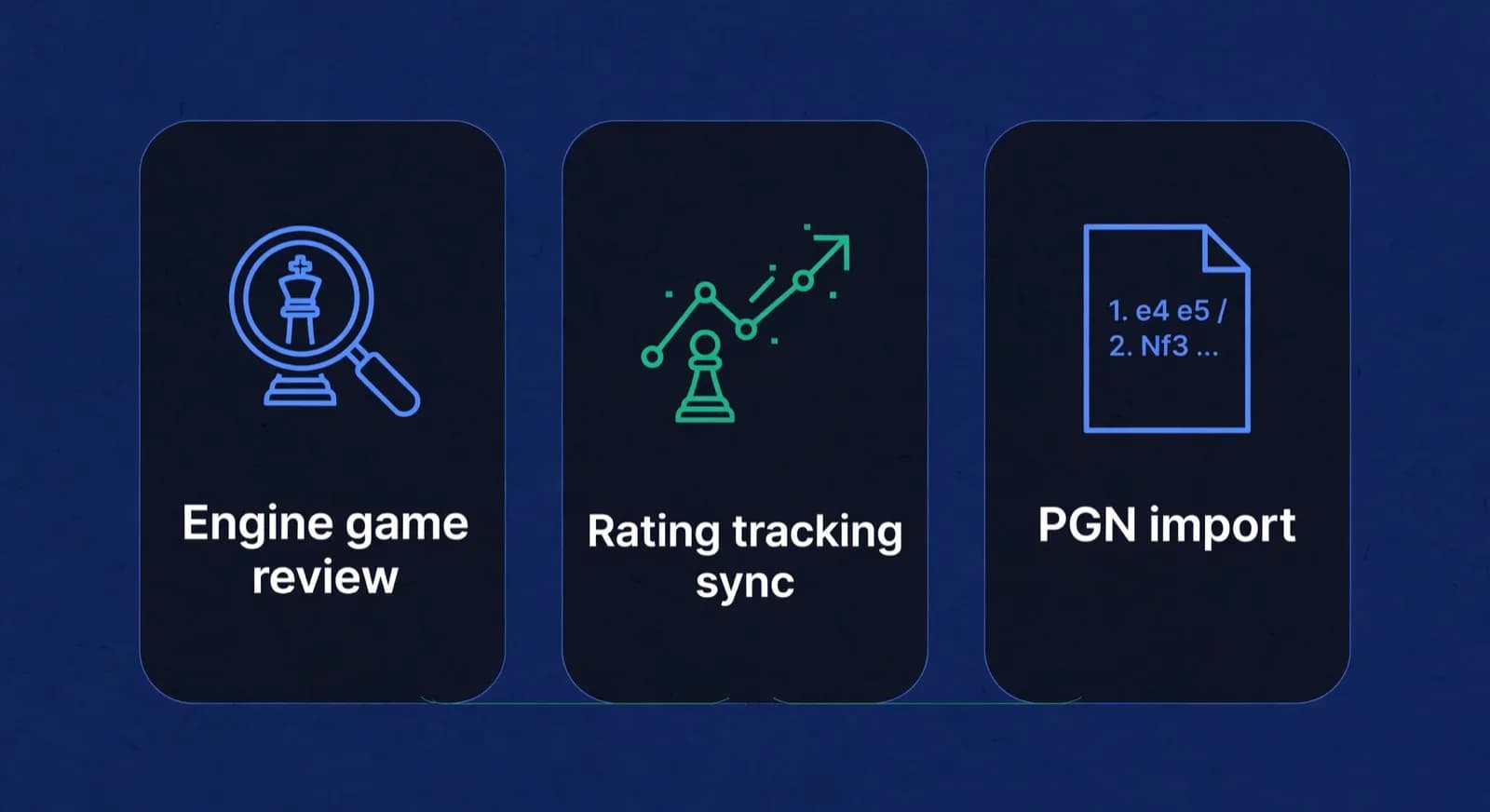


Start with game review, because it is the capability that most changes a coach's week. Chess-native software runs each student game through Stockfish, the open-source engine that most serious analysis relies on, and surfaces the moments where evaluation swung [1]. The important design point is who does what: the engine produces the evaluation, and any AI layer only translates that evaluation into a sentence a student can read. In ChessCore the language model never judges a position; Stockfish does, and the AI explains the why in words the coach can approve or rewrite. That split keeps the analysis trustworthy, because the number a parent or student sees is engine output, not a model's guess.
Rating tracking is the second capability, and it depends on where your students actually play. Lichess publishes an open API, so a chess-native tool can pull a student's played games and rating history directly [2], while Chess.com games come in as a read-only import [3]. That gives the coach a real strength curve instead of a number the student reports from memory. When you trial any tool, check whether rating history sits next to attendance, because a parent update is only as useful as the data behind it.
PGN is the third capability, and it is the plumbing that makes the other two possible. Portable Game Notation is the standard text format every chess platform and tournament board can export [4], so a tool that imports PGN can ingest a game from Lichess, Chess.com, or a physical event and treat it the same way. Without PGN handling, a coach is retyping moves or, more often, simply not reviewing games at all. The three capabilities compound: PGN brings the game in, Stockfish evaluates it, and the rating sync puts the result in context. A tool that has none of these is not chess software; it is class software that happens to be used by a chess coach. Our guide to engine analysis for chess coaching goes deeper on the review workflow itself, if that is the half of the job you care most about.

Lucas M. vs. Hana K.
Rapid · synced from Lichess · Tue 7:42 PM
14...Qe6? drops the knight
Eval swings +2.1 · the move to review first
Missed fork on move 23
Same pattern as last Tuesday · drill it
Endgame conversion was clean
Won vs. 1410 · French Defense
What criteria should you use to choose?
Choose on how central the chess-specific work is to your coaching, then on the admin load you carry, then on cost. A coach who reviews games every week and reports rating progress to parents needs a chess-native tool; a coach who only schedules classes and collects fees may be fine with a generic app or even a spreadsheet for a while. Work through these criteria in order, because the first one usually settles the category before price ever enters the picture.

- Game review: do you analyze student games as part of coaching? If yes, you need engine-backed review, which rules out spreadsheets and generic class apps.
- Rating tracking: do parents expect to see progress? If yes, you need rating sync from Lichess or Chess.com, not a number typed in by hand.
- Fee collection: how are you paid? Card subscriptions, direct debit and, in India, UPI AutoPay mandates remove most of the chasing; make sure the tool supports your payment rail.
- Parent communication: where do parents actually read? For most coaches that is WhatsApp, so favour a tool that sends there rather than one that only messages inside its own app.
- Scale: are you solo, or heading toward multiple coaches and staff? A solo coach can start lighter; a growing business should look at academy-scale software before it outgrows the coach tool.
- Data ownership: can you export your students, games, and history if you leave? If a tool locks your records in, that is a cost you pay later.
Notice that price is not the first criterion, and that is deliberate. The cheapest tool that leaves you writing every report by hand and never reviewing a game is not cheap; it is expensive in the hours you do not bill and the students who drift because their parents saw no evidence of progress. The most useful ordering is capability first, fit to your workflow second, and price as the tie-breaker between tools that both clear the capability bar. Our guide on how much to charge for chess lessons is the other side of this coin: what your time is worth is what these hours cost you.
How does ChessCore fit for coaches and small academies?
ChessCore is chess academy and coaching management software with an AI copilot that works under human approval, aimed at coaches and small academies who do both halves of the job themselves. It covers the admin (batch scheduling, attendance, fee collection through Razorpay and Stripe with UPI AutoPay, and parent updates over WhatsApp [7]) and the chess-specific work (Stockfish game review, rating context from Lichess and Chess.com, and PGN handling) in one place, rather than making the coach stitch a class app and a separate analysis tool together. A few of those capabilities sit on paid tiers: Razorpay UPI AutoPay and Stripe billing, and WhatsApp payment links and reminders, start on the Grow plan and up, and Lichess and Chess.com auto-sync starts on the Pro plan and up, while manual PGN import works on any paid plan. See the pricing page for the plans and their flat capacity tiers.
The design principle worth understanding before you compare is the approval boundary. ChessCore drafts reports, game review summaries, and parent recaps, but no AI draft sends until a named human approves it. Engine evaluations come from Stockfish, not the language model, and the numbers in a draft (attendance, fees, ratings) are injected from your records rather than written by the AI. That means the AI speeds up the writing without ever being the author of record, which is the guardrail a coach's reputation depends on. It is a copilot, not an autopilot, and it is explicitly not a conversational AI coach: students log in to work through coach-set puzzle assignments, but the software does not replace the coach in the lesson.
For a solo coach, that combination means the weekly admin collapses to review work: drafts to approve instead of blank pages to fill, a timetable that shows enrolment against capacity, and fee reminders that go out on a schedule. For a small academy adding a second or third coach, the same records scale without a rebuild, which is the point at which the academy-scale question in our management software pillar becomes worth reading. ChessCore is honestly a heavier tool than a spreadsheet and a narrower one than a general class app; its case rests entirely on the chess half of the job being central to how you coach. For plan and price specifics, see our pricing page rather than any number quoted here.
Week of 12 October · all batches
0 conflictsMake-up credit · Mia G. · Sat 4:30 PM
Absent Thursday with notice · booked by Noor
Class reminders sent to 148 families
Timing changes update everyone at once
What does coaching software cost, and how do you decide?
Coaching software ranges from free-to-start named platforms to monthly subscriptions, and the right way to decide is to price the alternative in your own hours rather than compare sticker prices. Chessido's homepage says it is free to start with no credit card [10]. Chess.Run's English homepage says you can start for free [9]. ChessPlay's homepage (October 2026) does not publish a fee, so ask for a quote [8]. A spreadsheet still costs nothing in cash and a great deal in time.
Is chess coaching software free to start? Sometimes, on the seller's own wording. Chessido and Chess.Run both say you can start without paying on their homepages as of 16 October 2026 [9][10]. Chessdesk lists a $0 forever free tier for everyday study and coach plans free for up to 3 students [11]. That is not the same as a full academy remaining free at 40 students. Confirm the current free limits on each official site before you tell a parent the tool is free.

Here is the shape of that arithmetic, using illustrative placeholder figures to show the method, not market data; substitute your own numbers. Suppose a tool saves you six hours a month of admin and game-review typing, and you value your coaching time at an example rate of $40 an hour. That is $240 of time capacity returned to you a month, which is recovered hours, not guaranteed extra income. Whether those hours turn into more teaching or less unpaid evening work is your choice. If the tool costs less than that figure, it covers itself in time alone; if it saves only an hour a month because you never review games, the same tool is poor value, which is exactly why the game-review criterion sits first.
The honest decision process is short. Establish the category first using the criteria above: chess-native if game review and ratings are central, generic or spreadsheet if not. Then, within the category, compare on fit to your payment rail, your parent channel, and your growth plans, and use price only to break ties between tools that already clear the capability bar. Before you commit to any paid tool, our checklist of questions to ask before buying academy software is worth a read, and our guide to starting a chess coaching business puts the software decision in the wider context of pricing, positioning, and getting your first students. The comparison of spreadsheets versus academy software covers the free-versus-paid trade-off in more depth if that is the axis you are stuck on.
Frequently asked questions
What is the best chess coaching software?
There is no single best chess coaching software; the best choice depends on whether chess-specific work is central to your coaching. If you review games and track ratings, chess-native software that runs Stockfish game review and syncs from Lichess or Chess.com serves you far better than a generic tool. If you only schedule classes and collect fees, a generic class app or even a spreadsheet may be enough. Decide on capability first, then fit, then price.
Can I use Classplus or Teachmint for chess coaching?
Yes, for the admin half of the job. Classplus and Teachmint are built to help tutors run classes with video, batches, and payments, so they cover scheduling, attendance, and fee collection well. What they do not have is any chess concept: no engine game review, no rating sync, no PGN import. If analysis is part of your coaching, you would still need a separate chess tool alongside them, which is the gap chess-native software is designed to close.
Do I need special software for chess coaching, or is a spreadsheet enough?
A spreadsheet is enough only while the chess-specific work is minimal. It costs nothing and is endlessly flexible, but it has no automation and no chess logic, so every report, fee reminder, and game review is manual. The moment you are reviewing games with an engine, tracking student ratings, and writing regular progress reports, a spreadsheet becomes the most expensive option in hours, and dedicated software starts to pay for itself.
What makes chess coaching software different from a class management app?
Chess coaching software understands games, ratings, and positions; a class management app understands only students and payments. The difference shows up in three capabilities: engine-backed game review using Stockfish, rating tracking synced from Lichess and Chess.com, and PGN import so games flow in without retyping. A generic class app has none of these because it serves every subject, so all of that chess work stays manual.
What is a good chess coaching platform for a solo coach?
A solo coach wants one platform that covers both the admin and the chess work, so they are not stitching a class app to a separate analysis tool. Look for batch scheduling, fee collection on your payment rail, parent updates on WhatsApp, and engine game review with rating sync in the same place. ChessCore is built for exactly this coach and small-academy scale, with an AI copilot that drafts reports and messages for a coach to approve before they send. Routine reminders a coach switches on, such as class and fee reminders and monthly report emails, go out automatically on their schedule.
Is chess coaching software free to start?
Some named platforms say yes on their own homepages. Chessido states it is free to start and requires no credit card [10]. Chess.Run says you can start for free with one student, one lesson or a small group [9]. Chessdesk lists a free individual-study tier and coach plans free for up to 3 students [11]. As of 16 October 2026, ChessPlay's homepage does not state a fee [8], so ask for a quote. Recheck each official site before you budget, because free-to-start is not the same as free at academy scale.
Sources
- [1]Stockfish: open-source chess engine · accessed 2026-07-08
- [2]Lichess.org API documentation · accessed 2026-07-08
- [3]Chess.com · accessed 2026-07-08
- [4]Portable Game Notation · accessed 2026-07-08
- [5]Classplus: platform for tutors and institutes · accessed 2026-07-08
- [6]Teachmint: teaching platform · accessed 2026-07-08
- [7]WhatsApp Business · accessed 2026-07-08
- [8]ChessPlay.io chess academy software · accessed 2026-10-16
- [9]Chess.Run coaching platform and school CRM · accessed 2026-10-16
- [10]Chessido chess academy management software · accessed 2026-10-16
- [11]Chessdesk workspace for coaches and students · accessed 2026-10-16
- [12]Chessable official site · accessed 2026-10-16
Written by Abhishek Tiwari
ChessCore
Drafted with AI, fact-checked and approved by a human before publishing, the same guardrail our product applies to every report it sends. Read our editorial standards.
See chess-native coaching software on your own data
Bring one batch and watch ChessCore run Stockfish game review, sync ratings, and draft parent reports your coaches approve, all alongside scheduling and fees in one place.
- Roster import from the spreadsheets you already keep
- Lichess and Chess.com connections, batches, and fee plans
- First reports in week one, after your approval
- Free plan, no credit card required