On this page8 sections, 15 min read
- What this review covers and what it does not
- What is Chess.com Classroom?
- How do I open Classroom on Chess.com?
- What does Chess.com Classroom do well?
- Where does Chess.com Classroom stop for a chess academy?
- What does Chess.com Classroom cost?
- Is Chess.com Classroom right for your academy?
- Do Chess.com Classroom and ChessCore compete?
- Frequently asked questions
Bottom line
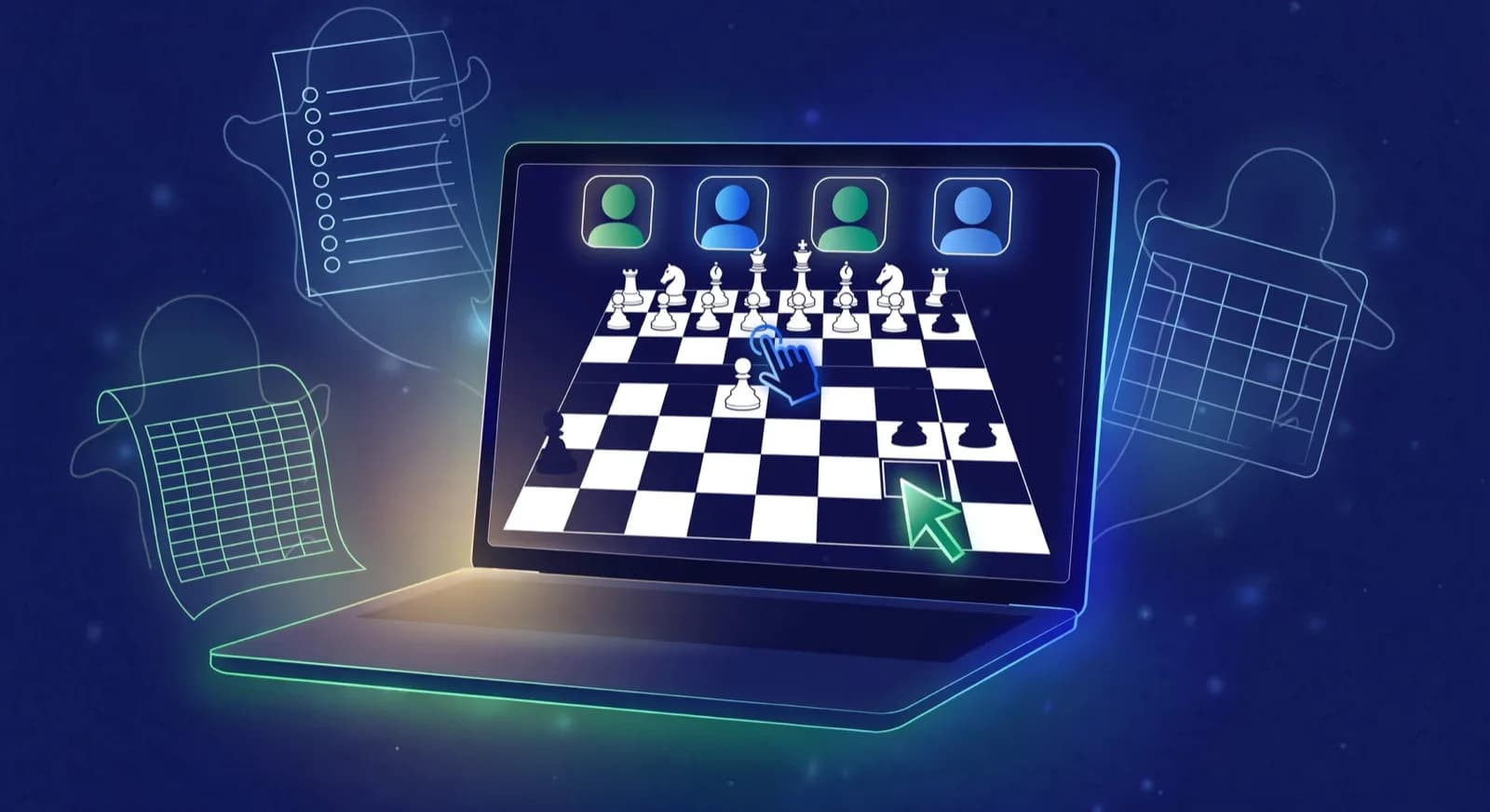
Chess.com Classroom is a live shared board with built-in video and voice chat, instant game loading, and per-student board control. Open it from the Train menu, then create a room or join with a Room ID. Basic membership allows one participant; Premium allows unlimited participants. Fees, an attendance register and a batch timetable are not among its documented controls.
TL;DR
- Chess.com Classroom, formerly Live Analysis Board, is a real teaching room: shared board, built in video and voice chat, and instant game loading, confirmed on chess.com's own help center.
- Basic membership caps a classroom at one participant; Premium membership is required for unlimited participants, a detail that decides whether Classroom can even run a group lesson.
- Its own documentation does not mention fees, attendance, batch scheduling, or parent communication, because Classroom is a teaching tool, not academy management software.
- An academy that likes teaching in Classroom still needs a separate system for billing, attendance registers, batch timetables, and WhatsApp updates to parents, the jobs ChessCore is built around.
Key facts
- Chess.com Classroom is accessed from the Train menu, where a coach creates a room or a student joins one with a room ID, per Chess.com's help center.[1]
- Basic Chess.com members can create a classroom with up to one participant; Premium membership is required for unlimited participant access.[1]
- Inside a room, a coach can load games from FENs, PGNs, premade collections, studies, or any game on Chess.com, and can grant or remove board control per participant.[1]
- Chess.com's own announcement of the feature names schools hosting online lessons, coaches or streamers helping multiple students, and friends reviewing a game together as its intended uses.[2]
- Chess.com Classroom replaced an earlier feature called Live Analysis Board, per Chess.com's help center article on Classroom.[1]
- ChessCore syncs student games from Lichess as a first class integration, with read only import from Chess.com, and runs Stockfish evaluations on the synced games.
What this review covers and what it does not
Chess.com Classroom is a live teaching room on Chess.com: a shared board with built-in video and voice, game loading, and per-student board control. This review draws every claim about Classroom from Chess.com's help center article on how to use Classroom and its 2022 Classroom release post [1][2]. It does not test performance at scale, measure video quality with a full batch, or review Chess.com's wider membership, so where group behaviour or stability matters, treat the steps below as a plan to run during a trial rather than results. Disclosure up front: ChessCore, which publishes this blog, is academy management software, not a Chess.com product and not affiliated with, endorsed by, or partnered with Chess.com. The comparison here is narrow and honest: a teaching room against academy operations, not two products in the same category.
- What it does: the mechanism, confirmed on Chess.com's own pages, not marketing language.
- Who it fits: by class size and membership tier, not by enthusiasm.
- What it costs: the membership limits as published, nothing inferred.
- What is untested here: group performance at scale, which only a trial with your own batch can settle.
What is Chess.com Classroom?
Chess.com Classroom is a real time teaching room built into Chess.com, reached from the Train menu, where a coach creates a room and shares its room ID, or turns on open enrollment so anyone with the link can join [1][2]. It replaced an earlier feature called Live Analysis Board, per the help article [1], and Chess.com's own release post describes it as built for schools hosting online chess lessons, coaches or streamers helping multiple students at once, and friends going over a game together [2]. That framing matters for this review: the vendor itself is not calling Classroom academy software. It is calling it a lesson room.
Inside a room, video and voice chat are built directly into the page, so a coach and student never need to open Zoom, Skype, or a separate call link alongside the board [1][2]. The coach controls who can move pieces and for which side, White, Black, or both, per participant, which keeps a group session from turning into everyone grabbing the same pawn at once [1]. Games load instantly from a FEN, a PGN, a premade collection, a study, or any game already on Chess.com, so a coach walks into a session with the position already on the board rather than setting it up live while students wait [1].
A manage menu lets the room owner mute or disable everyone's video and audio at once, a chat panel runs alongside the board, and a clock icon adds a timer for exercises [1]. None of this is analytics or homework tracking. It is a live room: the same job a whiteboard and a video call did before, done in one browser tab with the board already synced.
How do I open Classroom on Chess.com?
Open Classroom from the Train menu on any Chess.com page, then create a room or join an existing one with a Room ID. Chess.com's help article, updated 26 February 2026, says to hover over Train in the left-side menu and select Classroom; a coach creates the room, and a student joins with the Room ID the coach provides [1].
- Hover over Train in the left-side menu and choose Classroom [1].
- Create a new room, or join with the Room ID your coach sent [1].
- After the room exists, toggle Open Enrollment so anyone with the Room ID can join, invite a username, or copy the room link [1].
- Basic membership can add up to one participant; Premium membership is required for unlimited participants [1].
The same help article covers the rest of the teaching room: load games from FEN, PGN, collections, studies, or archive games; grant or remove board control per participant; and use the in-room video, voice, chat, and timer controls [1]. Chess.com's 10 January 2022 release post adds that video and voice sit on Chess.com itself, so coaches do not have to exchange a separate Zoom or Skype link [2].
What does Chess.com Classroom do well?
Classroom solves the exact friction every online chess coach used to fight: three tools that never talked to each other. Before a feature like this existed, a typical online lesson meant a Zoom call in one window, a separate board on Lichess or Chess.com in another, and a coach narrating which square to look at because nothing was actually shared. Classroom folds the call and the board into the same surface, so the coach points at the board directly instead of describing it [1][2].
Here is how a 45-minute group lesson could map onto the documented controls. This is a plan built from the help article, not a lesson anyone ran and timed; the point is that each step uses a control the article actually describes [1][2].
- 0 to 5 minutes, joining: students enter with the Room ID, or Open Enrollment lets anyone with the Room ID in (with it off, each participant needs an invitation); the coach confirms the roster in the Participants list [1].
- 5 to 15 minutes, introduce a position: the coach loads it from a FEN, PGN, Game Collection, study, or an archive game, so the board is set before anyone waits [1].
- 15 to 30 minutes, take student moves: the coach grants board control to one student at a time from the three-dot participant menu, as White, Black, or both, then takes it back for the next student [1].
- 30 to 40 minutes, compare ideas: the coach opens the Analysis tab to show evaluation and engine lines, or applies the Only Coach setting so the settings affect the coach's screen only [1].
- 40 to 45 minutes, save material: the Games tab saves the loaded games to a collection and can download them for next time [1].
Per-participant board control is the detail that makes it usable for a real class rather than a two-person demo, and it is also the control that prevents the everyone-moves-at-once failure. Three things are separate here. Joining the room is one thing: Open Enrollment or a Room ID lets a student in [1]. Permission to move is another: the three-dot participant menu lets the coach allow a participant to play as White or Black, give them full control, or remove it [1]. The help article does not say what a newly joined participant can do by default, so check that in a test room before the first class. Engine visibility is a third: with the Only Coach setting on, settings such as the evaluation bar apply to the coach's screen only [1]. If a group session does descend into several students grabbing pieces, the coach is the one who restores order, by removing control from each participant in the Participants list, and the Manage menu can disable everyone's video or audio, or mute chat, while order is restored [1].

Lucas M. vs. Hana K.
Rapid · synced from Lichess · Tue 7:42 PM
14...Qe6? drops the knight
Eval swings +2.1 · the move to review first
Missed fork on move 23
Same pattern as last Tuesday · drill it
Endgame conversion was clean
Won vs. 1410 · French Defense
Where does Chess.com Classroom stop for a chess academy?
Classroom stops where the lesson ends. Chess.com's help center article on how to use Classroom and its release announcement describe room creation, participant limits, board control, game loading, and chat and video controls in detail; fees, an attendance register, a batch timetable, and parent communication are not among the controls either page documents [1][2]. That is the product's own stated scope rather than a shortcoming Chess.com claimed to fix, so an academy that teaches in Classroom still runs those operational jobs in another system.
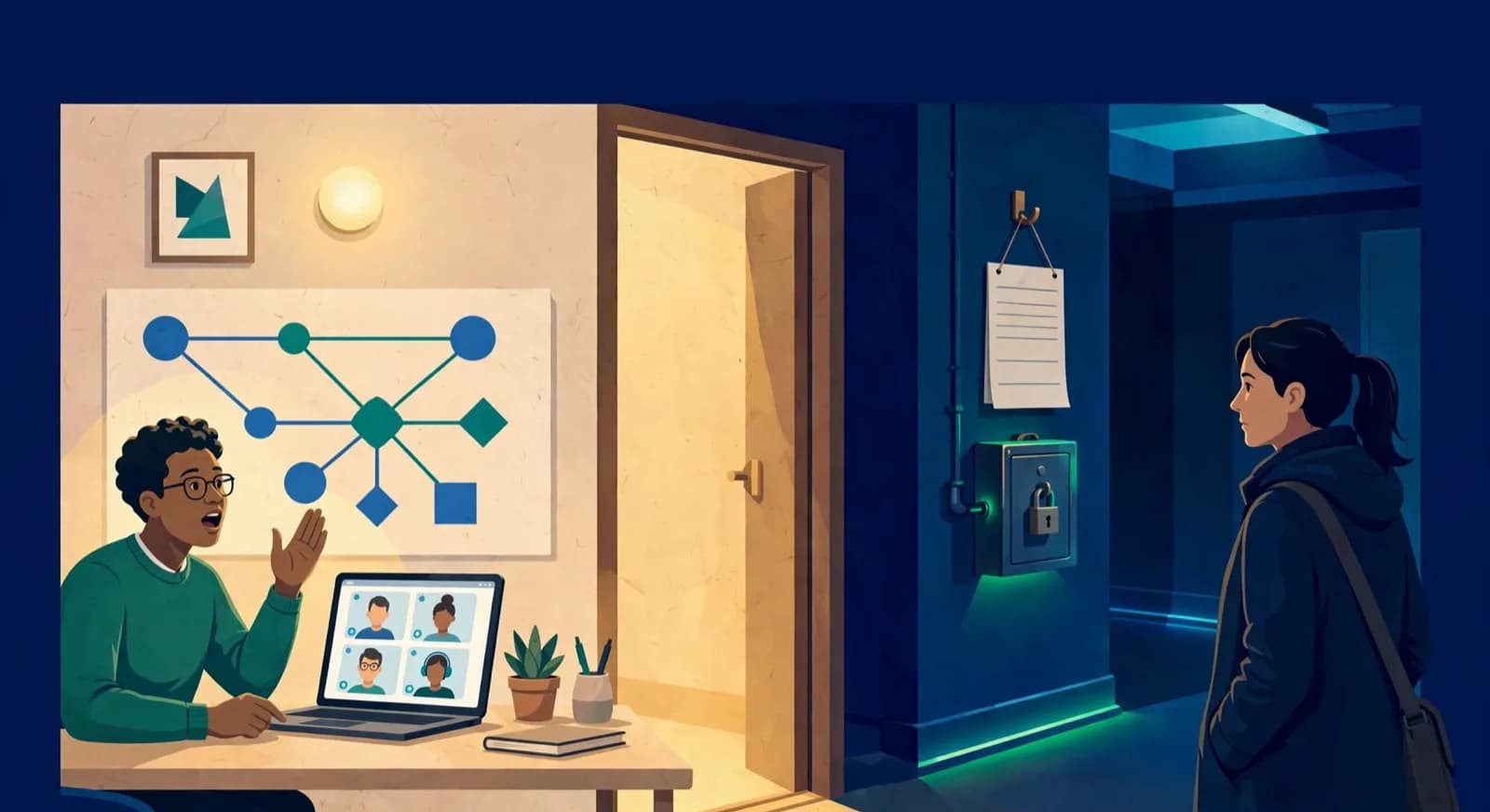


Four operational jobs sit outside the documented teaching room. Fees: the Room ID and Open Enrollment toggle decide who joins a session, not who owes what, so collection runs on a spreadsheet, a payment link, or billing software elsewhere. Attendance: the Participants list shows who is in the room right now, and keeping a term-long register of who missed which session is a separate job once the room closes. Scheduling: Classroom is one room you create and share a link to, so coordinating several recurring batches across more than one coach needs a timetable the room does not provide. Parent communication: the in-room chat reaches participants during a session, while a monthly summary of what a child covered and how their rating is trending comes from a student record kept somewhere else. None of the four appears in the documented Classroom controls [1][2].
The gaps show up fastest in the ordinary hard cases of a working week. Each one below is routine for an academy and leans on something the documented teaching room does not cover.
- Four batches and two coaches: one coach falls ill on Thursday. Classroom can open a room for the cover coach, but the decision about which batch moves, and the message telling those families, comes from a timetable that knows both coaches' slots.
- A make up class: a student misses Tuesday and joins Saturday's batch instead. Classroom will admit them to the Saturday room, while a register is what records that the Tuesday absence was made up, so the student is not marked absent twice.
- A mid month fee: a family joins on the 15th. The teaching room has nothing to say about what they owe; a fee ledger prorates the first month, or the academy applies the rule by hand.
- A batch outgrows Basic: a coach on a Basic account adds a second student. The room stops at one participant [1], so the coach either upgrades to Premium or moves the group lesson to another board.
Week of 12 October · all batches
0 conflictsMake-up credit · Mia G. · Sat 4:30 PM
Absent Thursday with notice · booked by Noor
Class reminders sent to 148 families
Timing changes update everyone at once
Fees · October · all batches
136 of 148 paidCollected · this term
92%Lucas M. · October · $180
Card AutoPay · receipt sent to Müller family
Mia G. · October · $180
Payment link opened in WhatsApp
Batch B2 · 12 of 14 paid
No bank-transfer screenshots needed
AutoPay mandates · 41 active
Renew monthly without reminders
What does Chess.com Classroom cost?
Classroom itself is not sold as a separate product with its own price tag. Access runs on Chess.com's existing membership tiers, and the one limit that actually changes what you can do with it is participant count: a Basic account can create a classroom with up to one participant, while Premium membership is required for unlimited participants [1]. For an academy, that single line decides whether the feature can run a group class at all. A coach on a Basic account can use Classroom for one on one work; running a batch of eight as a group requires Premium on the account creating the room.
| Membership | Participants per room | What this means for an academy |
|---|---|---|
| Basic | Up to one participant | Fine for individual lessons; cannot run a group batch |
| Premium | Unlimited participants | Required for any batch bigger than a one on one session |
The help article states no separate Classroom fee beyond the membership tier, and this page does not quote a Premium price, because the current figure lives on Chess.com's own membership page [1]. Confirm the current Premium price and any coach specific plan directly on Chess.com before you plan a batch around it, and treat the participant limit, not a dollar figure, as the number that actually decides whether Classroom fits your class sizes.
Is Chess.com Classroom right for your academy?
The right answer depends on what job you are hiring it for, teaching one lesson or running an academy. Here is the decision by the kind of buyer actually asking this question.
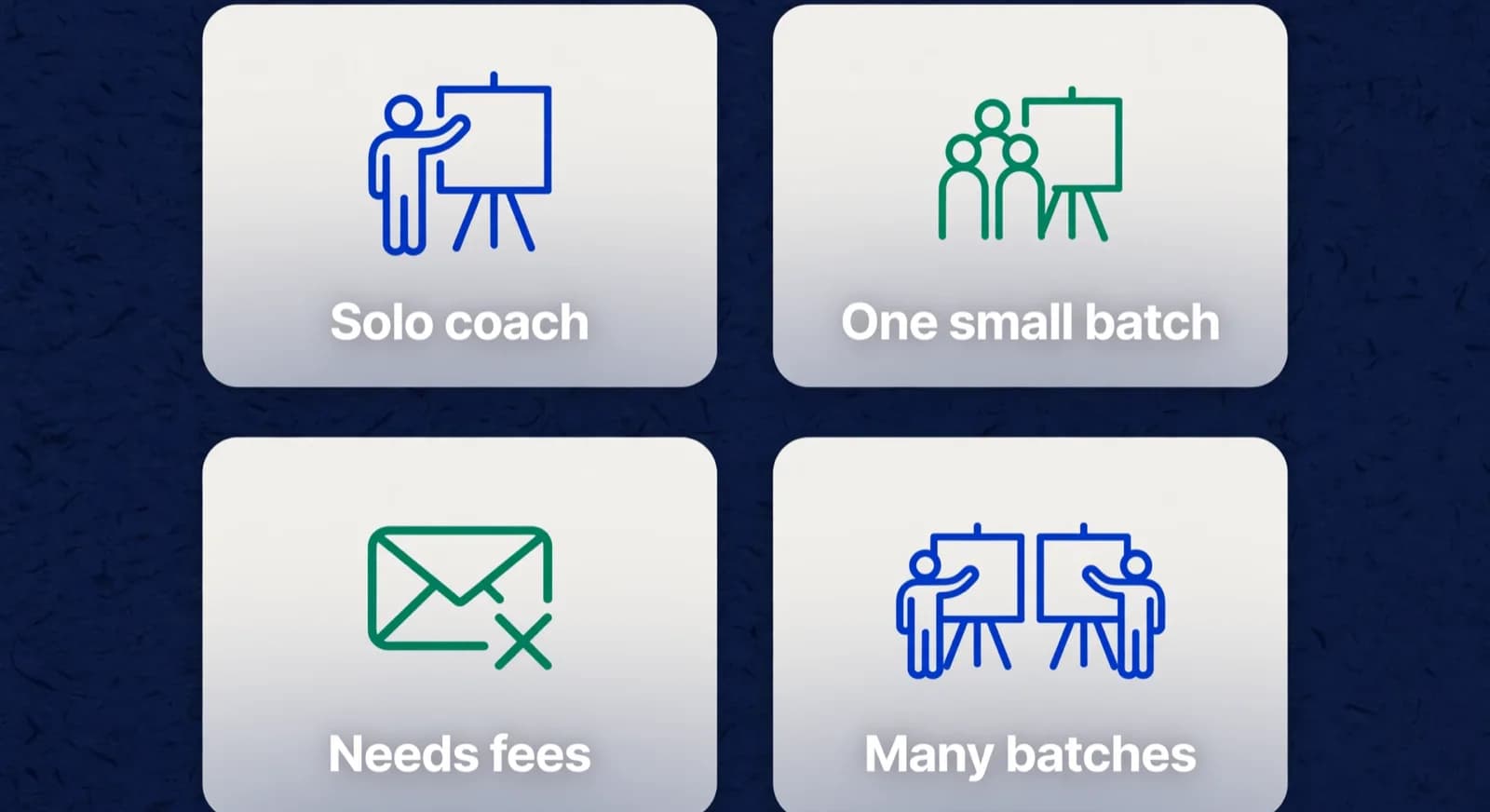
| Who you are | Verdict on Chess.com Classroom |
|---|---|
| Independent coach teaching one student at a time | A solid fit on a Basic account; the shared board and built in video already beat a separate call plus a separate board |
| Coach running a single small batch | Fit, but budget for Premium membership, since Basic caps a room at one participant |
| Academy running several batches across coaches | Classroom can still be the lesson room, but fees, attendance, and scheduling need a separate system |
| Academy owner chasing fee collection or parent complaints | Wrong tool for that problem; Classroom does not track billing, attendance, or parent messaging at all |
- If your bottleneck is the lesson itself, a laggy call, a board nobody can see clearly, Classroom is a direct, well documented fix, confirmed on Chess.com's own help pages [1].
- If your bottleneck is knowing who paid, who attended, and who needs a make up class, that is an academy management problem, not a teaching room problem, and Classroom's own documentation does not claim to solve it [1][2].
- If you run multiple coaches and multiple batches, the coordination layer between rooms, fees, and parents needs its own system regardless of which teaching room you use inside each session.
Do Chess.com Classroom and ChessCore compete?
No, and it is worth being precise about why. Chess.com Classroom is a teaching room feature inside a chess playing platform; ChessCore is academy management software, and it does not compete with, imitate, or claim any partnership with Chess.com. An academy can keep teaching live lessons inside Classroom, or on any other board they prefer, while running the business around those lessons, batches, fees, attendance, and parent updates, in ChessCore. Lichess sync is a first class ChessCore integration and Chess.com import is read only, so a student's games can still feed a coach's review workflow even though Classroom stays a separate teaching surface. If you are weighing the two platforms for teaching, you can compare Lichess and Chess.com teaching workflows in our academy guide. Lichess Classes, as its own page describes it, generates student accounts, tracks progress in games and puzzles and messages a class [3]. That page does not describe a live video room, so check how a Lichess class handles the live lesson before treating the two as equivalent.
Disclosure: ChessCore publishes this review. In ChessCore, what a coach and parent see is grounded in one student record: Stockfish evaluations on synced games, an attendance history, a fee ledger, and AI drafted progress reports that a named coach edits and approves before a parent sees them, while routine class and fee reminders send automatically, with class reminders going out 24 hours and 2 hours before a class [4]. None of that lives inside a teaching room by design, because a teaching room and an academy record system are different jobs. Our chess academy management software pillar covers the full operations picture, and our multi coach academy guide covers the scheduling problem several batches and coaches create once Classroom is only handling the lesson itself.
Parent updates · this week
14 of 14 sentWeekly recap · Lucas M.
Lucas attended Thursday's class and won 2 arena games. His September report is in your portal.
Receipt · October fee
$180 received via card AutoPay. Receipt saved.
9:42 AMRecap approved by Coach Elena
Open the guardian portal
Own login · nothing to install
Frequently asked questions
Is Chess.com Classroom a real feature?
Yes. Chess.com Classroom is a live teaching room, reached from the Train menu, where a coach creates a room and shares a room ID with students, confirmed on Chess.com's own help center and its release announcement. It replaced an earlier feature called Live Analysis Board and adds built in video and voice chat, instant game loading, and per participant board control.
How many students can join a Chess.com Classroom session?
It depends on membership. A Basic Chess.com account can create a classroom with up to one participant. Premium membership is required for unlimited participant access, per Chess.com's help center. For an academy planning to teach a group batch rather than one student at a time, that Premium requirement is the detail to confirm before relying on Classroom for a class.
Does Chess.com Classroom handle fees, attendance, or scheduling?
Not in the controls Chess.com documents. Its help center article and release announcement describe room creation, participant limits, board control, game loading, and chat and video, and neither mentions billing, an attendance register, or a batch timetable. Classroom is a teaching room; an academy running several batches still needs separate software, like ChessCore, for fee collection, attendance history, and coach scheduling.
Does ChessCore compete with Chess.com or Chess.com Classroom?
No. ChessCore is academy management software, not affiliated with, endorsed by, or partnered with Chess.com in any way. Classroom is a live lesson room inside Chess.com's platform; ChessCore runs the academy around lessons taught anywhere, including batches, fees, attendance, and AI drafted parent reports that a coach approves before sending.
What is a good alternative to Chess.com Classroom for teaching?
Lichess offers studies for shared analysis and a free Classes tool for managing students, per its own Classes page [3]. That page describes no live video room, so test whether a Lichess board fits your live lesson before relying on it. The right choice depends on where your students already play and whether Classroom's built in video and voice chat is worth working within its Basic and Premium participant limits.
Does Chess.com Classroom include Game Review?
Not as its own tab. Classroom has in-room analysis instead: the help article's Analysis tab shows computer evaluation and lines, with an Only Coach setting so the evaluation bar can stay on the coach's screen [1], and the 2022 launch post says coaches can hide engine lines and evaluations from students [2]. Neither page lists the standalone Game Review page as a Classroom tab. If you want students to run Game Review on a lesson game, plan it as a separate step after class rather than something that happens inside the room.
Sources
- [1]How do I use Classroom on Chess.com? Chess.com Help Center · accessed 2026-10-16
- [2]Chess.com Releases New Classroom Feature · accessed 2026-10-16
- [3]Classes | Lichess · accessed 2026-10-16
- [4]Stockfish: open source chess engine · accessed 2026-07-15
Written by Abhishek Tiwari
ChessCore
Drafted with AI, fact-checked and approved by a human before publishing, the same guardrail our product applies to every report it sends. Read our editorial standards.
Teaching sorted? Run the academy around it
Keep teaching in Classroom or any board you like. ChessCore handles the rest: batches, fees, attendance, and AI drafted parent reports a coach approves before they go out.
- Roster import from the spreadsheets you already keep
- Lichess and Chess.com connections, batches, and fee plans
- First reports in week one, after your approval
- Free plan, no credit card required